GMK87 Configurator
Creator & Maintainer
One keyboard, four strangers, and a USB protocol nobody documented
How it started
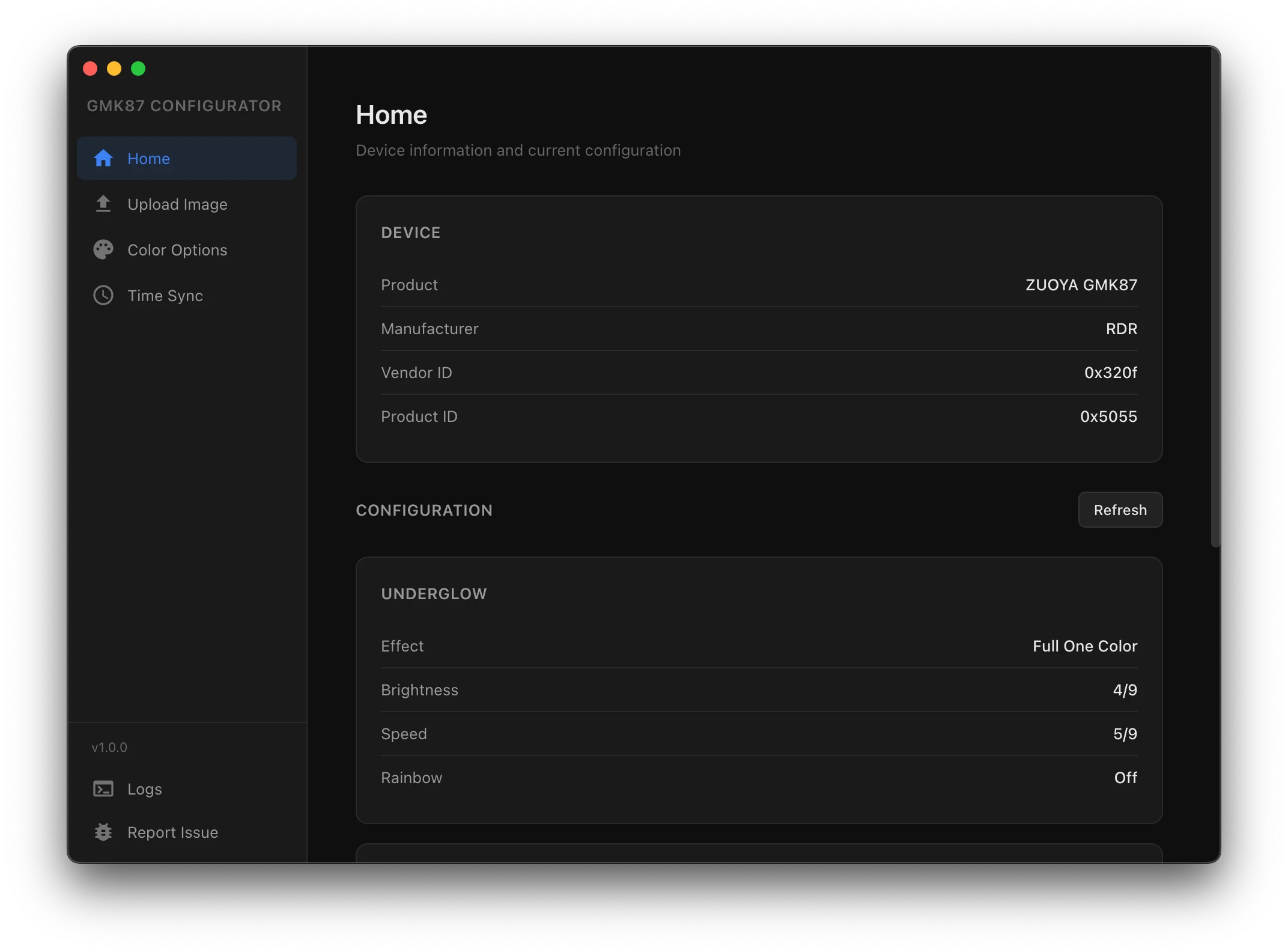
I got a GMK87 keyboard. I knew going in that it didn’t have software for macOS or Linux, and I was fine with that for a while. Then I started noticing how much I was missing. The keyboard has a screen, customizable lights, a clock, image slots. On Windows, there’s an app for all of that, but even finding it was weird. The official download came from a mirror, and I wasn’t even sure it was the actual company’s site. Not great, but I dealt with it.
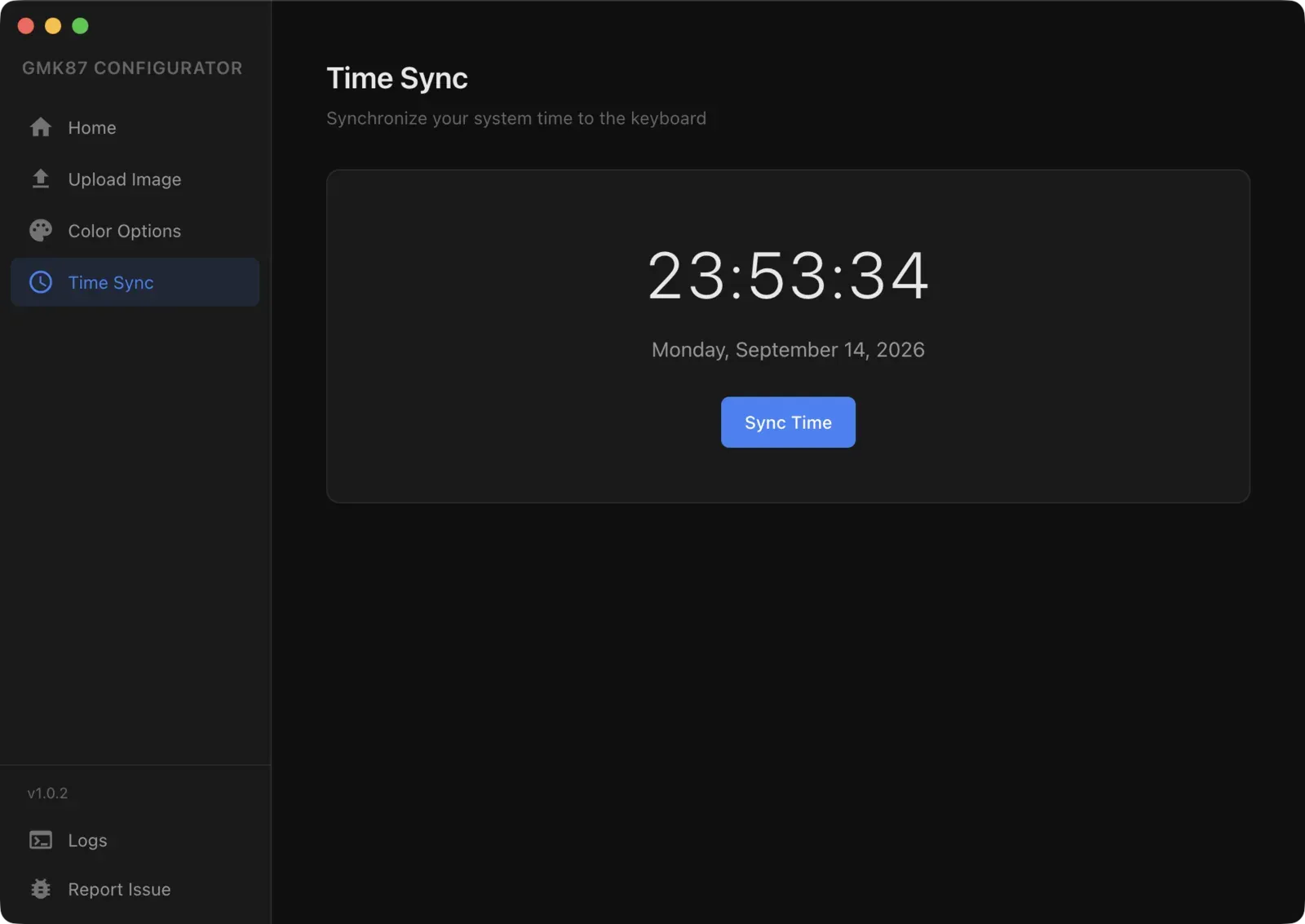
What finally got to me was the clock. It wouldn’t sync. So here I am with this keyboard that has all these cool features, a screen that can show images, lights I can customize, and I can’t do anything with any of it from my Mac. That didn’t sit right with me.
Starting from what existed
I knew there had to be a way. These keyboards talk to computers through USB, and that’s a protocol you can inspect. So I went looking, and I found someone who had already started working on a Windows tool. He’s credited on the repo. His work gave me a solid starting point because a lot of what he’d figured out translated directly to what I needed.
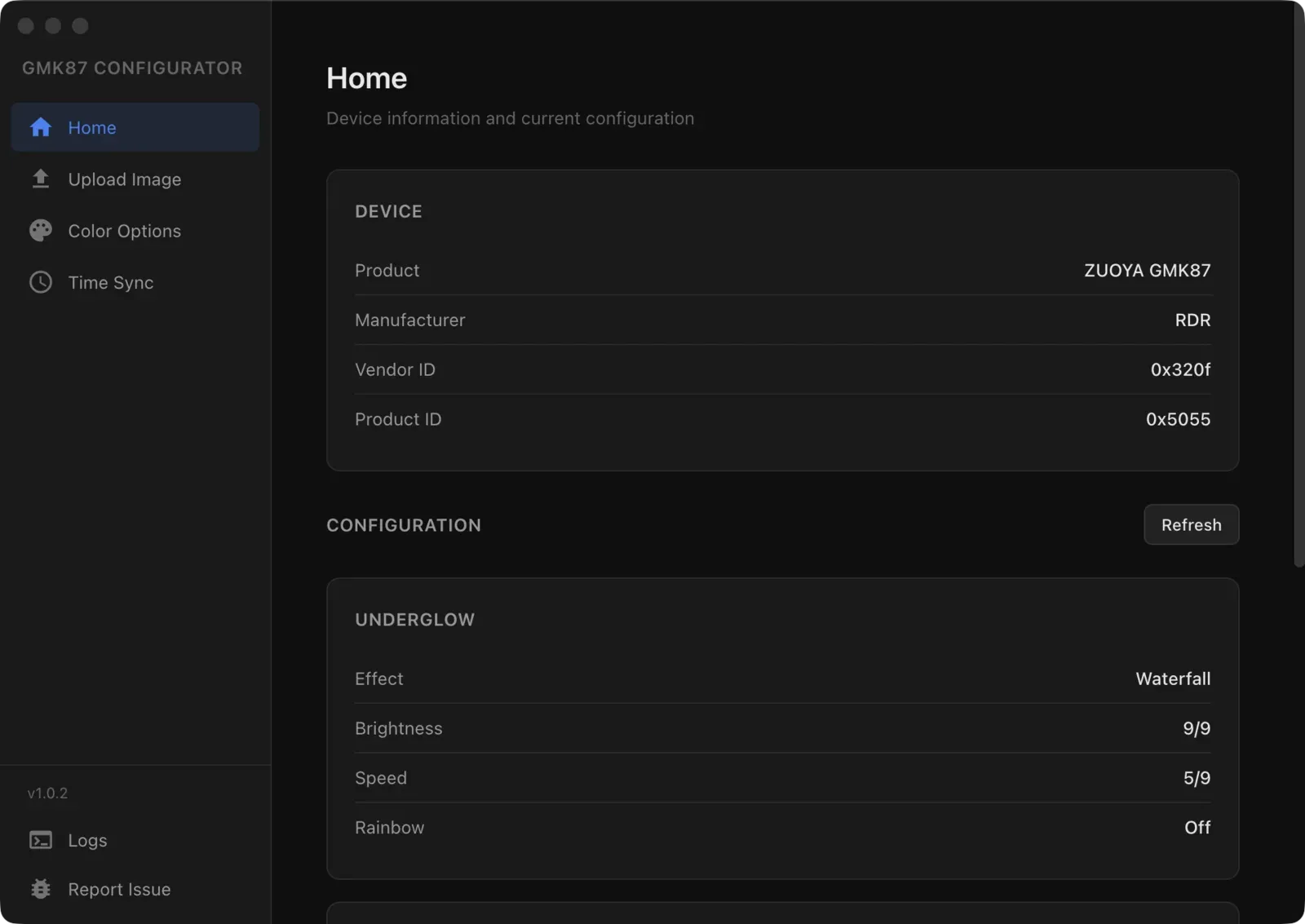
But then the problems started. The keyboard would end up in a bad state after certain commands. I’d have to physically unplug it and plug it back in. Not great when you’re trying to figure out an undocumented protocol by trial and error.
Then another person showed up working on a Linux version. So here we were, three people who didn’t know each other, all independently building their own tools for the same keyboard. Pretty wild, right?
When everything broke down
Someone on Reddit was having the same issue I was dealing with. The Linux developer got in touch, I got in touch, and they tested both our versions. The problem was the lights. When you’d try to sync the time or upload an image, the lighting configuration would reset. And these people had configured their lights manually, color by color. You can imagine how frustrating that is. You have your keyboard exactly how you want it, you just want to set the clock, and everything resets.
For me, that’s when it got really, really hard. I had to go deep into the USB data. I started capturing what the original Windows software was actually sending to the keyboard, packet by packet. The first few captures didn’t tell me much. I tried different approaches, I tried letting AI help me parse the data, I tried reading the raw bytes manually. Nothing clicked.
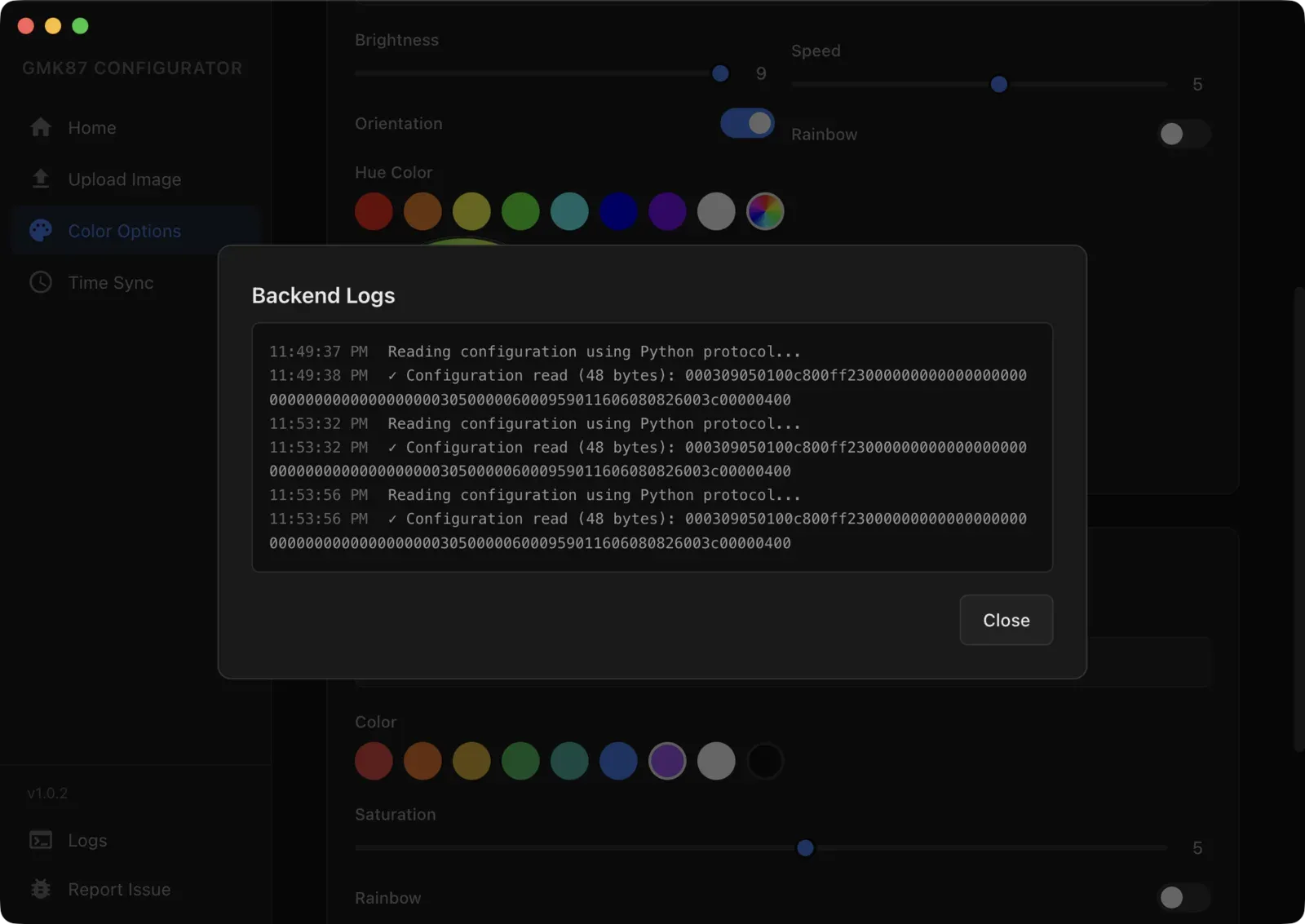
It took around five or six full captures before I started seeing how everything connected. How the software initializes a session, how it sends configuration, where it puts the checksum, what order the commands need to follow. Once I could see all of that clearly, I finally broke through.
Building it for everyone
Once the core library worked reliably, I could sync time, upload images, control every lighting mode, all without resetting anything. The keyboard kept its state. That was the breakthrough.
But I knew that a command-line tool wasn’t going to help most people. If you have to install Node.js, open a terminal, and type commands, you’ve already lost 90% of the audience. These are people who just want their keyboard to work.
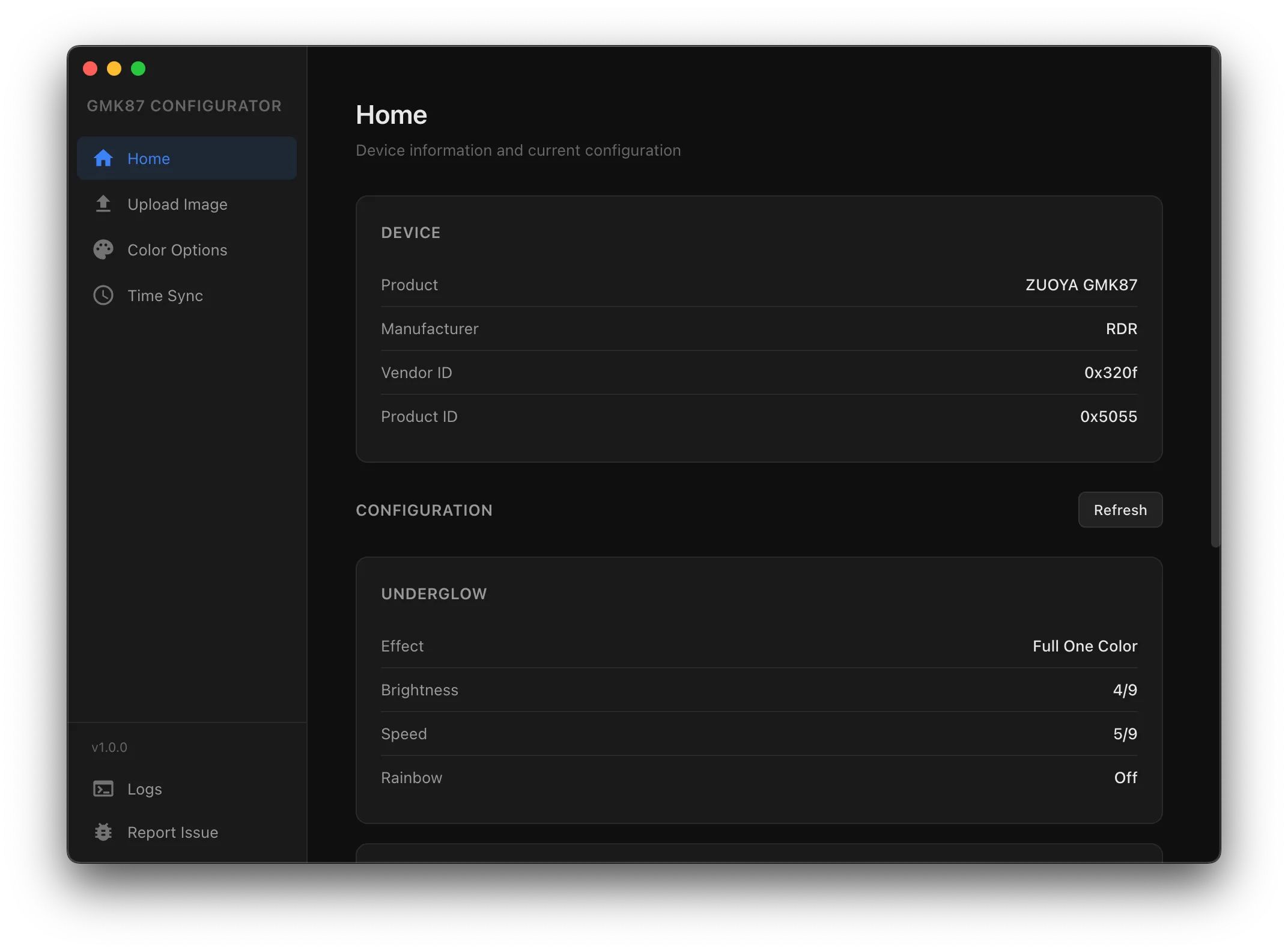
So I built a desktop app. It runs on macOS, Windows, and Linux, including Arch. You download it, you open it, and you configure your keyboard. Upload images, pick your colors, sync the time, apply presets. No terminal, no package managers, no friction.
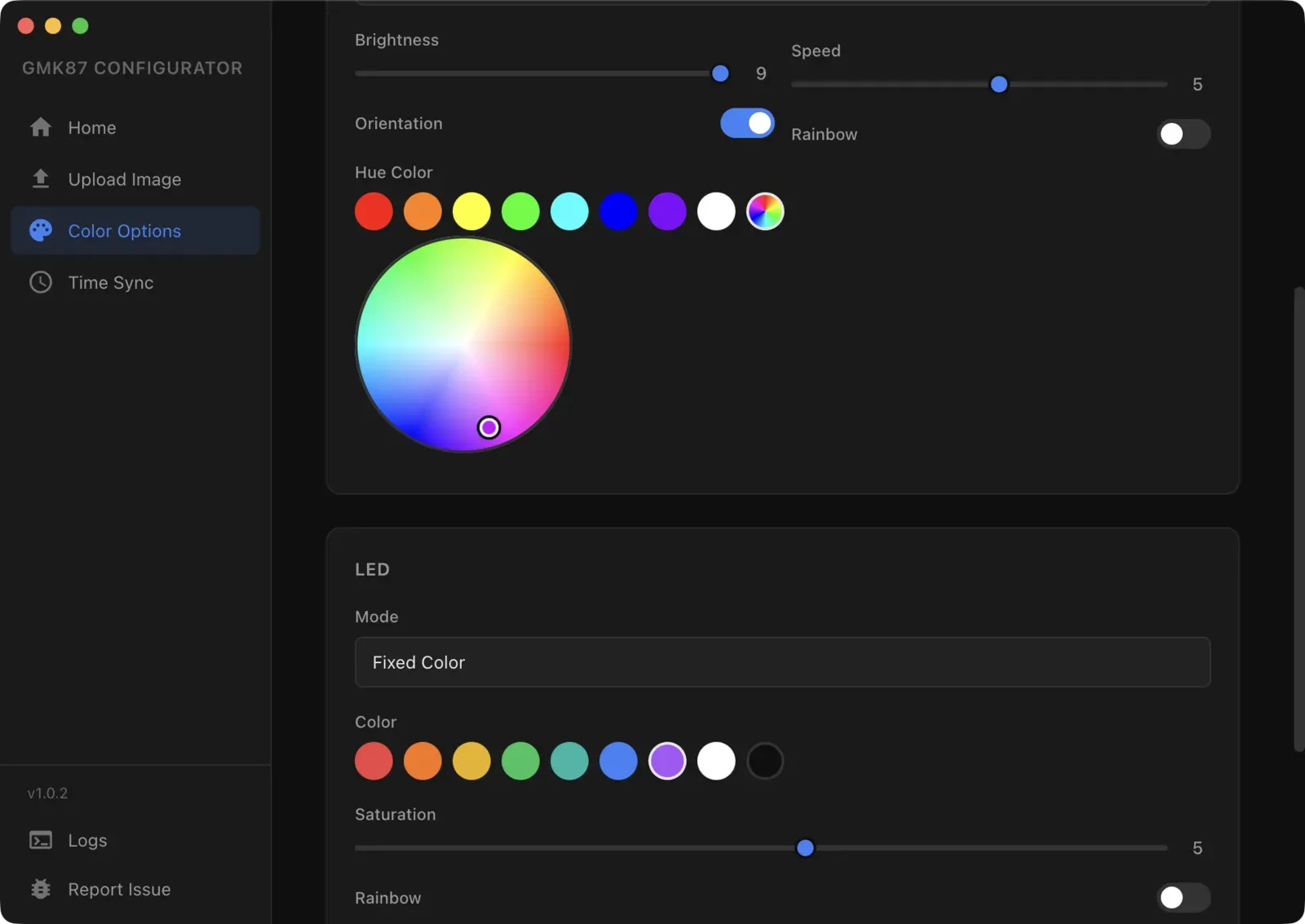
The macOS version is code-signed and notarized through Apple. The Linux version includes the permission rules so you don’t need to run it as root. The Windows version is a standard installer. I wanted every platform to feel like a first-class experience, not an afterthought.
Four strangers, one keyboard
What really pushed me forward was seeing other people care about the same problem. One person just ran the install command and all the tools to try to sync their keyboard’s clock. That’s it. They didn’t want to build anything. They just wanted their time to be correct.
Then someone else came forward with their own implementation. One keyboard, from a Chinese brand, and you have four or five people around the world independently trying to make it work on their operating system. I don’t know, for me that was pretty incredible.
After I released the desktop app, the person who originally couldn’t sync their time tried it and said it just worked. They plugged in, hit the button, and it was done. Reading that felt really, really good.
What this project means to me
I built this because I was frustrated with my own keyboard. That’s it. There was no plan to build a desktop app or reverse-engineer a USB protocol. I just wanted my clock to show the right time and my screen to display something other than the default image.
But the more I built, the more people showed up needing the same thing. And seeing that moment when someone’s keyboard finally does what they bought it to do, that part is pretty special. I’m really proud of how this came out.
Working on something similar?
I'd love to hear what you're building. For me, the best projects start with a good conversation, so feel free to reach out.
Let's Talk